Why Instagram Ruins Your Photo Quality (And How to Fix It)
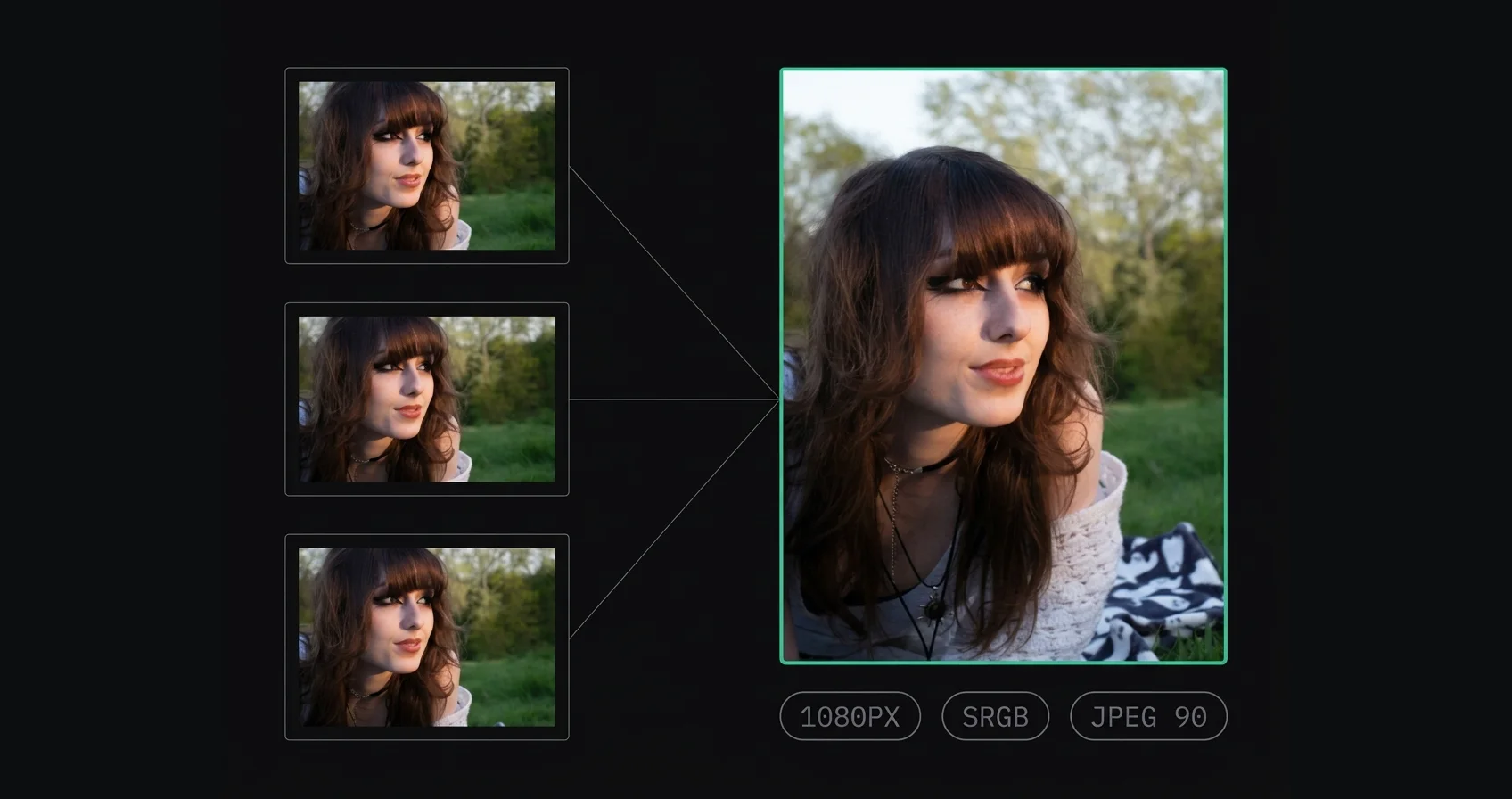
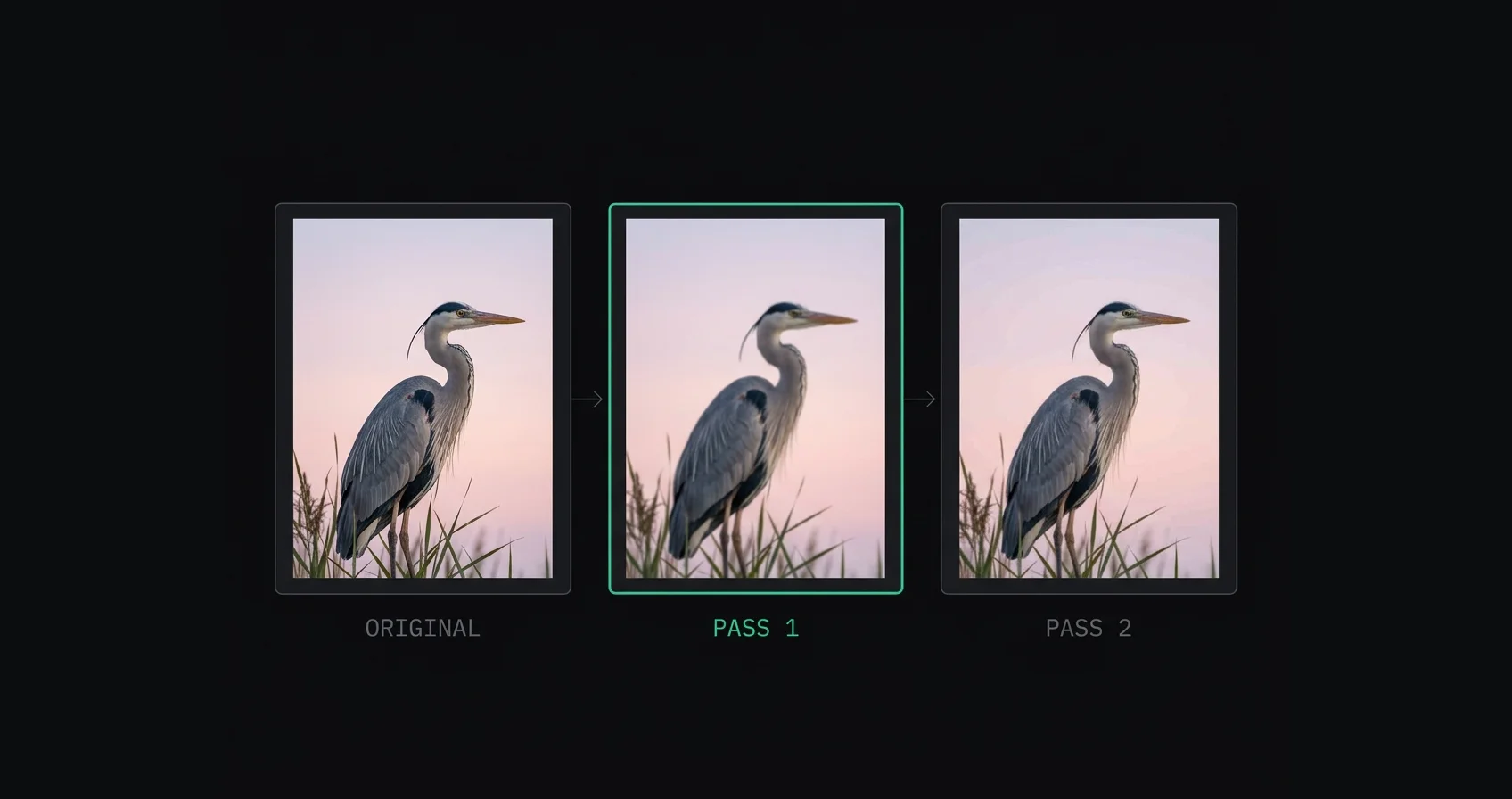
Why does Instagram ruin photo quality? It downscales oversized uploads before recompressing them, which is two lossy passes. Here's what happens to your file and which parts you control.
Tips, guides, and insights for content creators

Why does Instagram ruin photo quality? It downscales oversized uploads before recompressing them, which is two lossy passes. Here's what happens to your file and which parts you control.

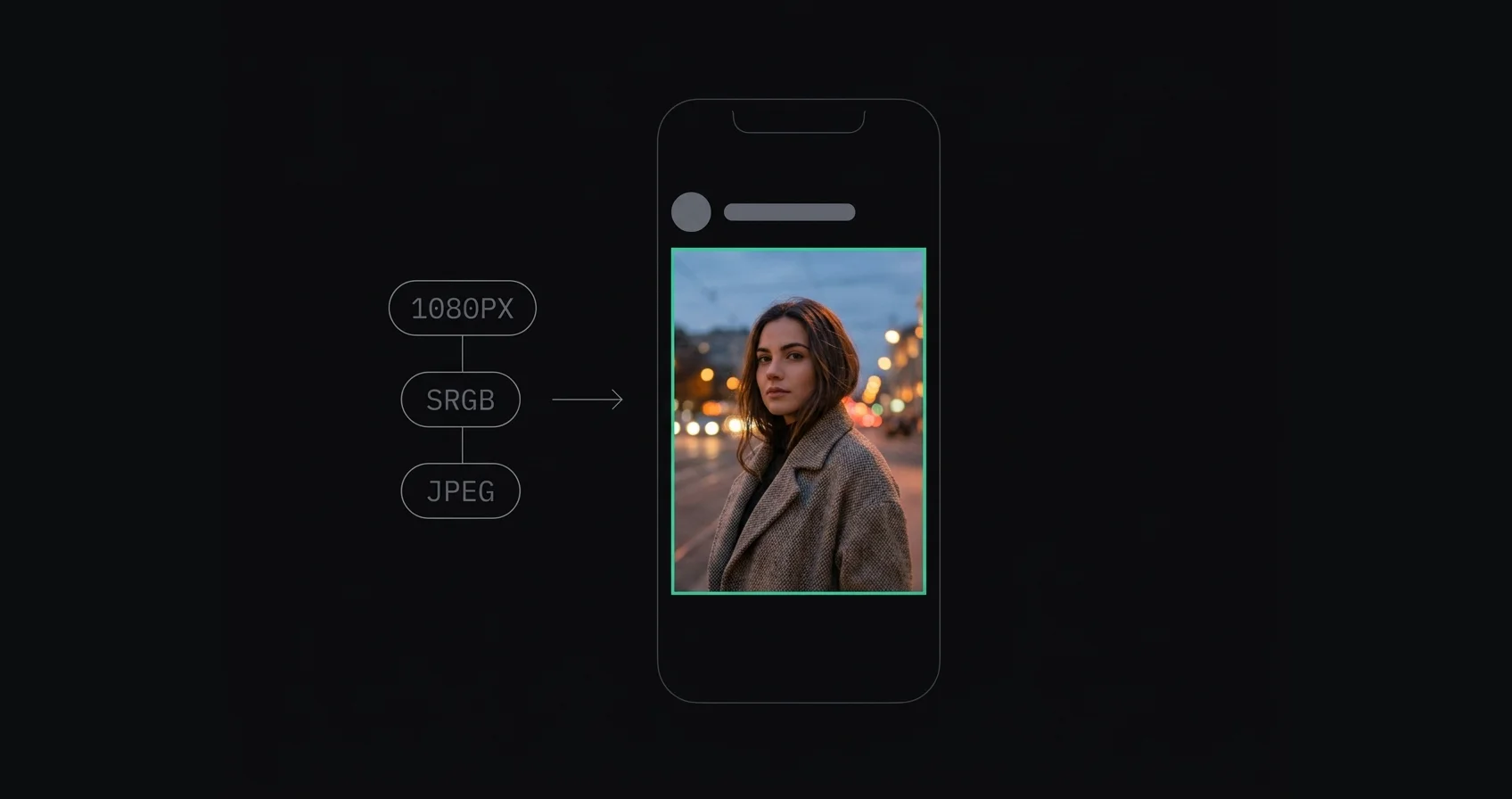
How to upload high quality photos to Instagram: resize to 1080px wide, convert to sRGB, export as JPEG, and sharpen last. The order matters more than any single setting.

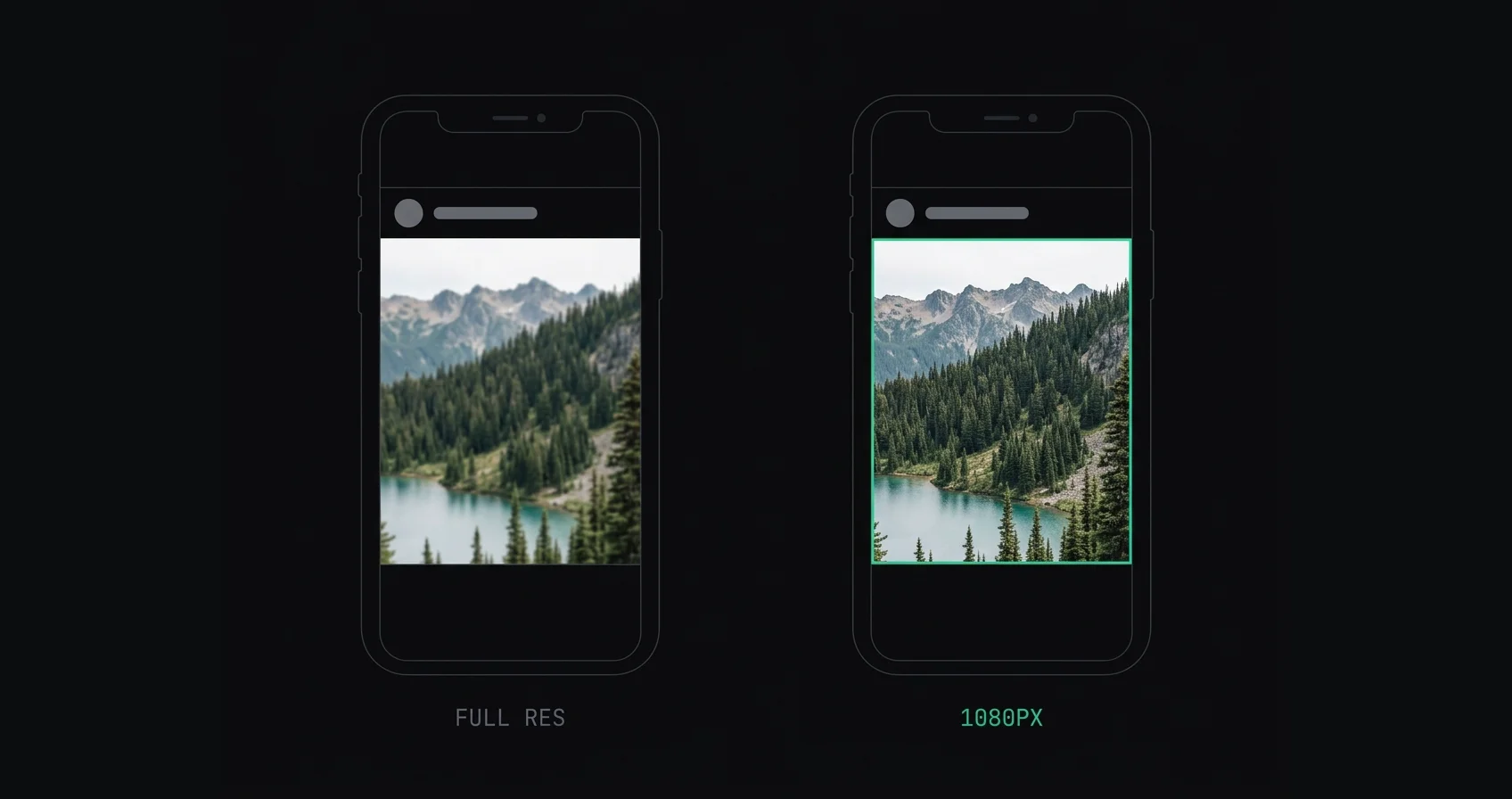
Should you upload 1080px or full resolution to Instagram? Instagram publishes at 1080px wide, so bigger files get downscaled then recompressed. Here's the case for each and when the answer changes.

Exact Instagram export settings for Lightroom Classic, Lightroom mobile, Photoshop, Capture One and phone apps. 1080px wide, sRGB, JPEG 85–95%, sharpened after resizing.

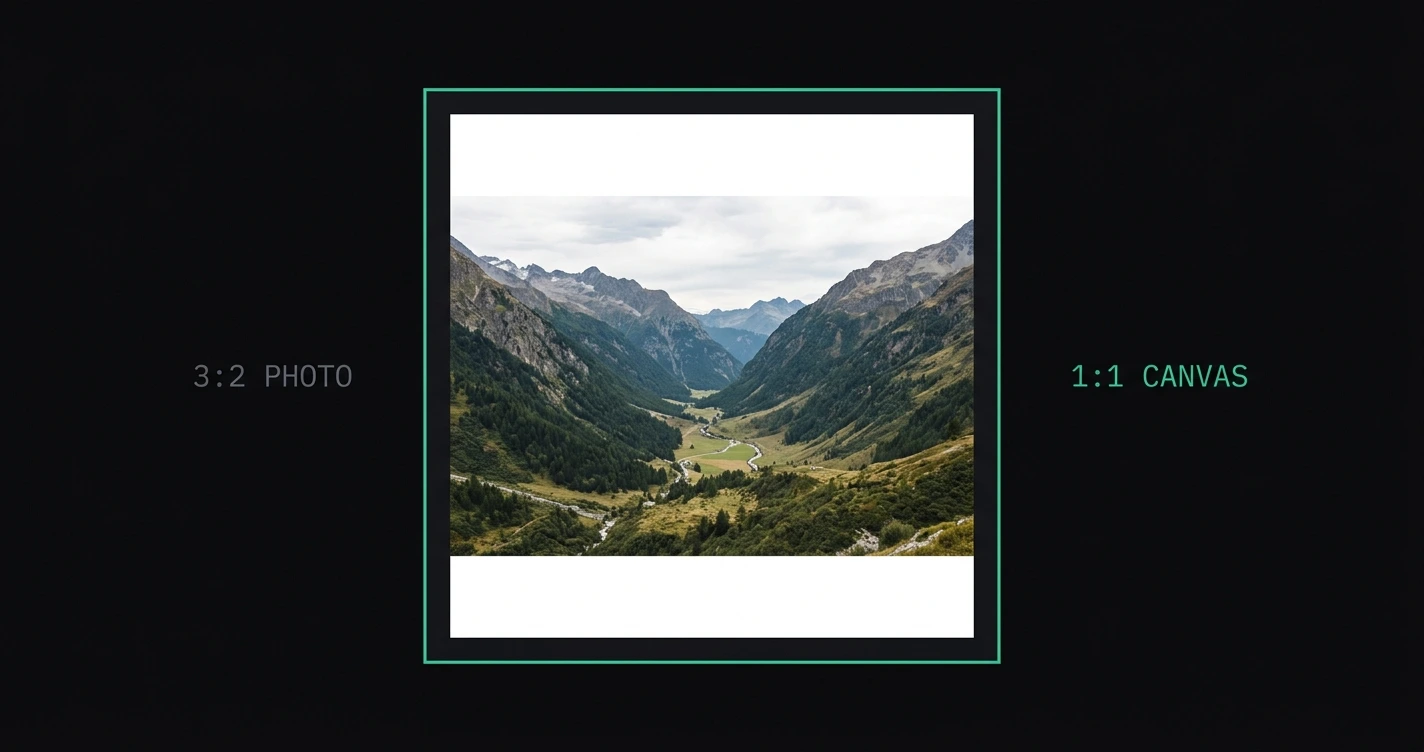
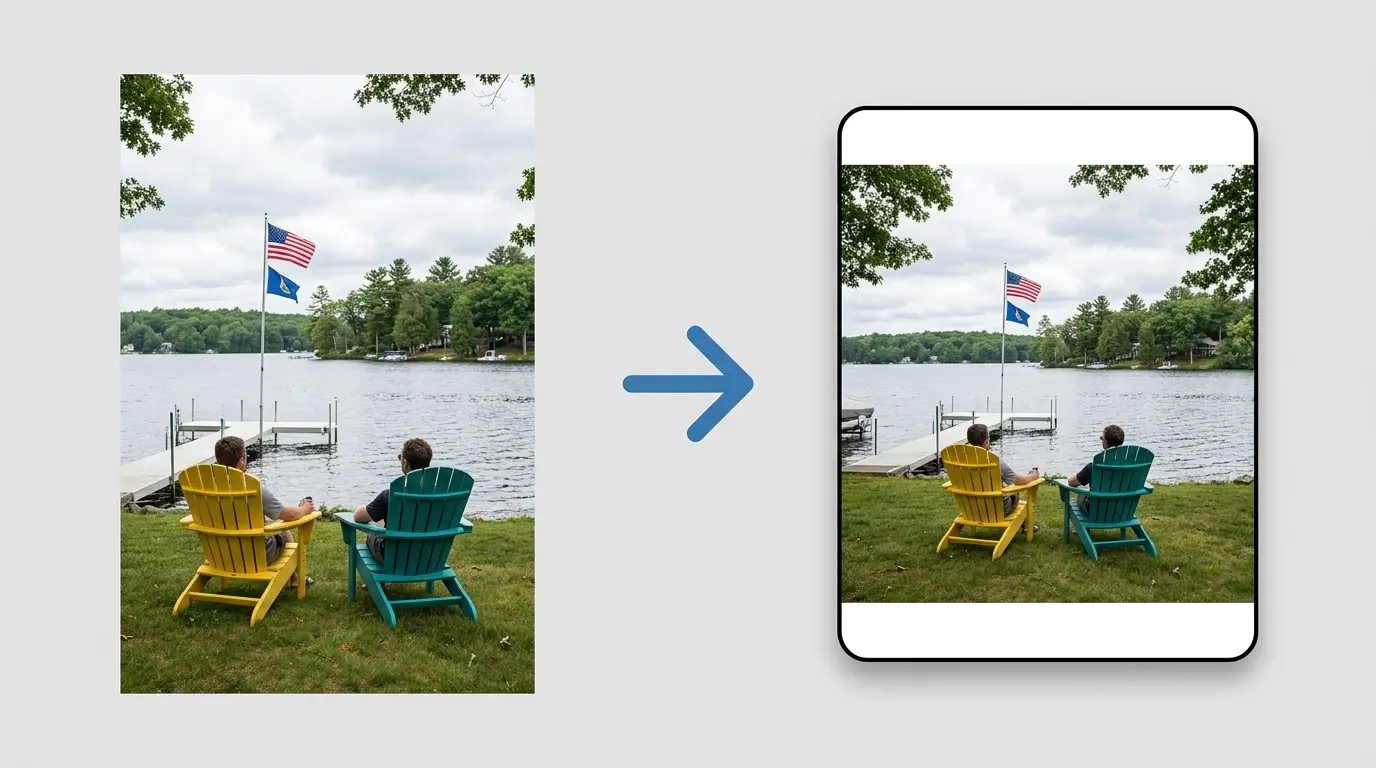
How to add borders to Instagram photos without cropping: white borders, black borders, blurred backgrounds, and custom colors. Keeps your full composition intact at the correct Instagram aspect ratio.

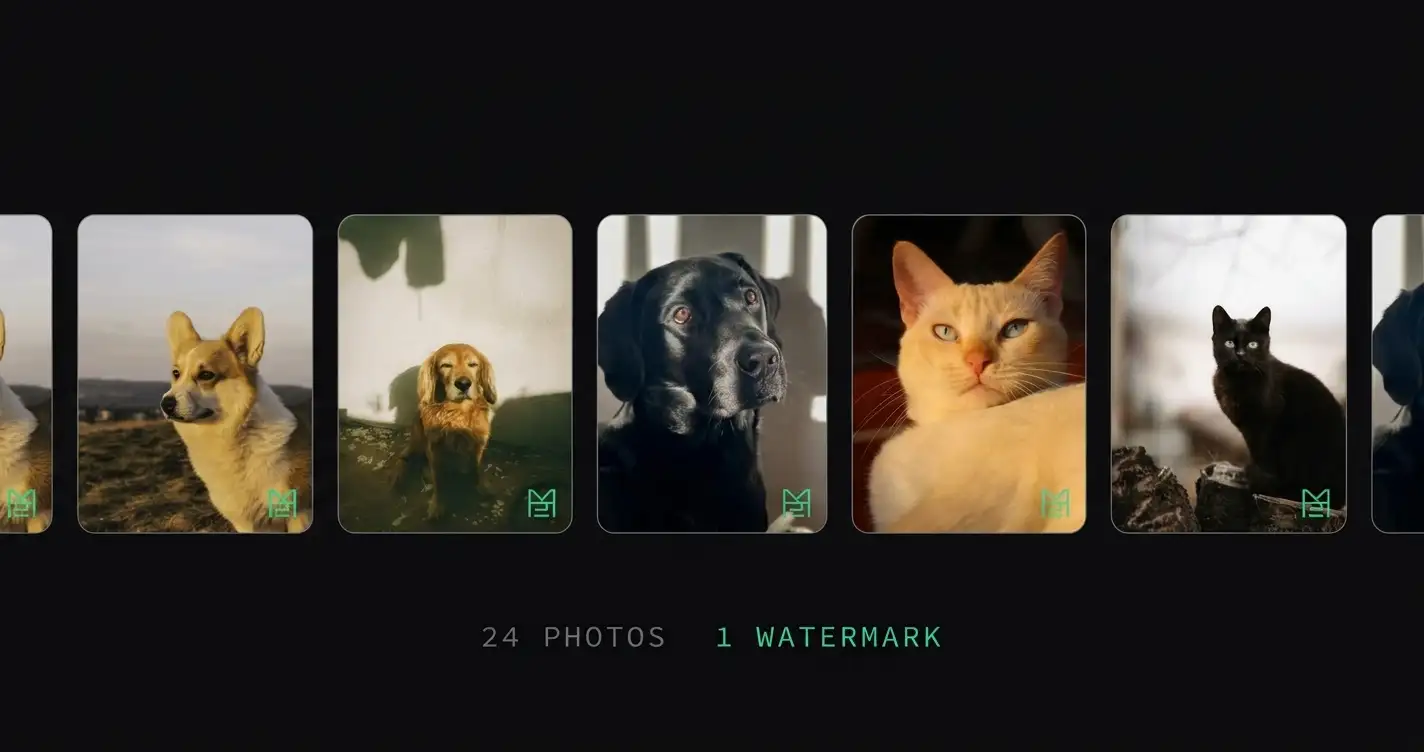
How to batch watermark photos: add a logo or text watermark to multiple images at once without uploading them. Fast, consistent, and processed entirely in your browser.

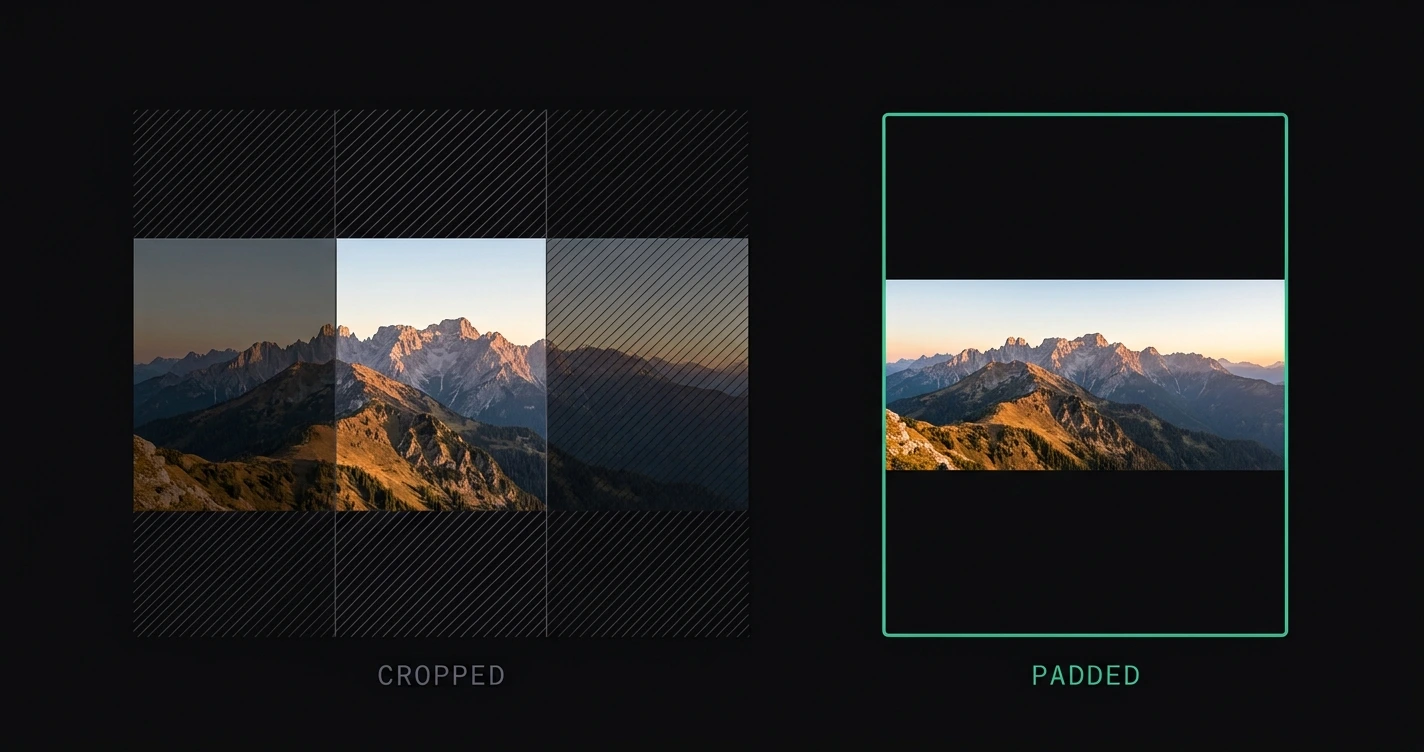
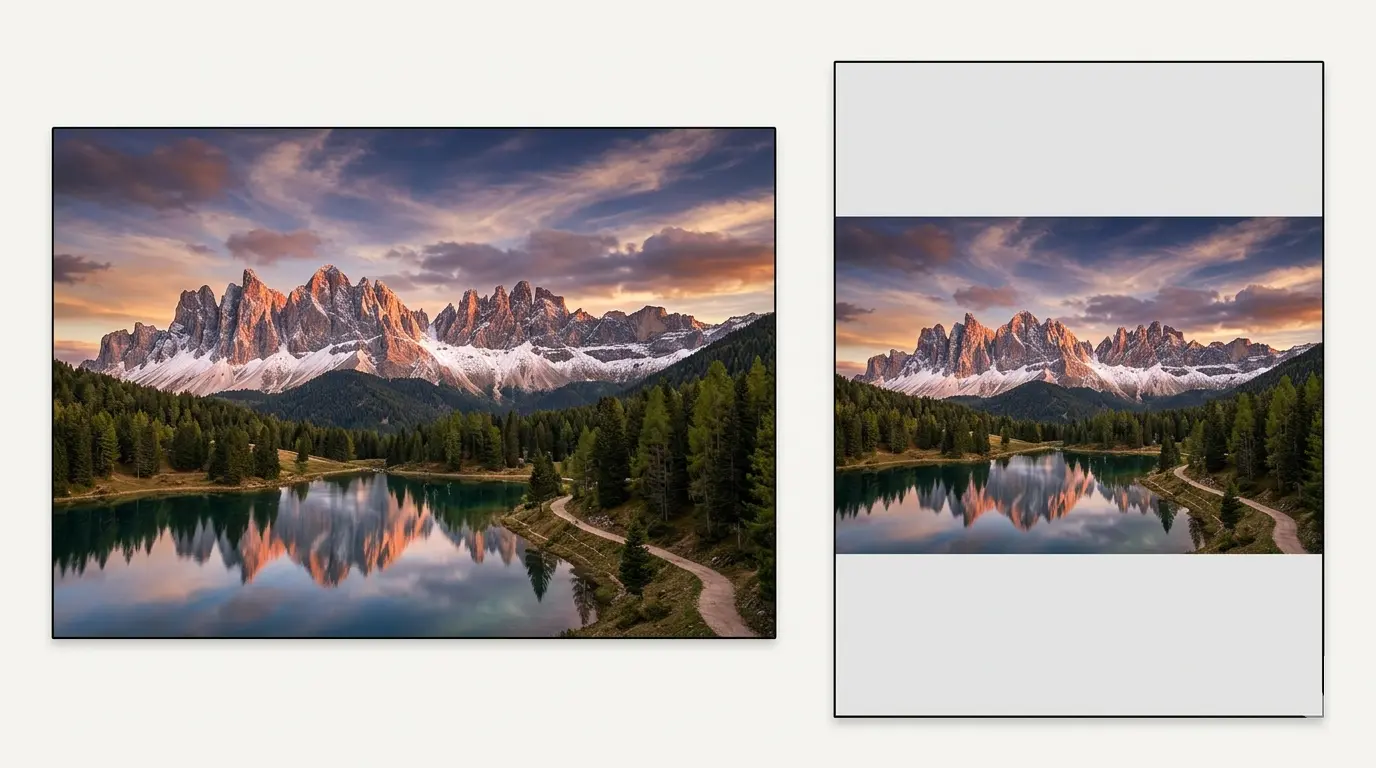
Why Instagram crops ultra-wide shots, three ways to post one with the full width intact, and which background fill suits a landscape panorama.

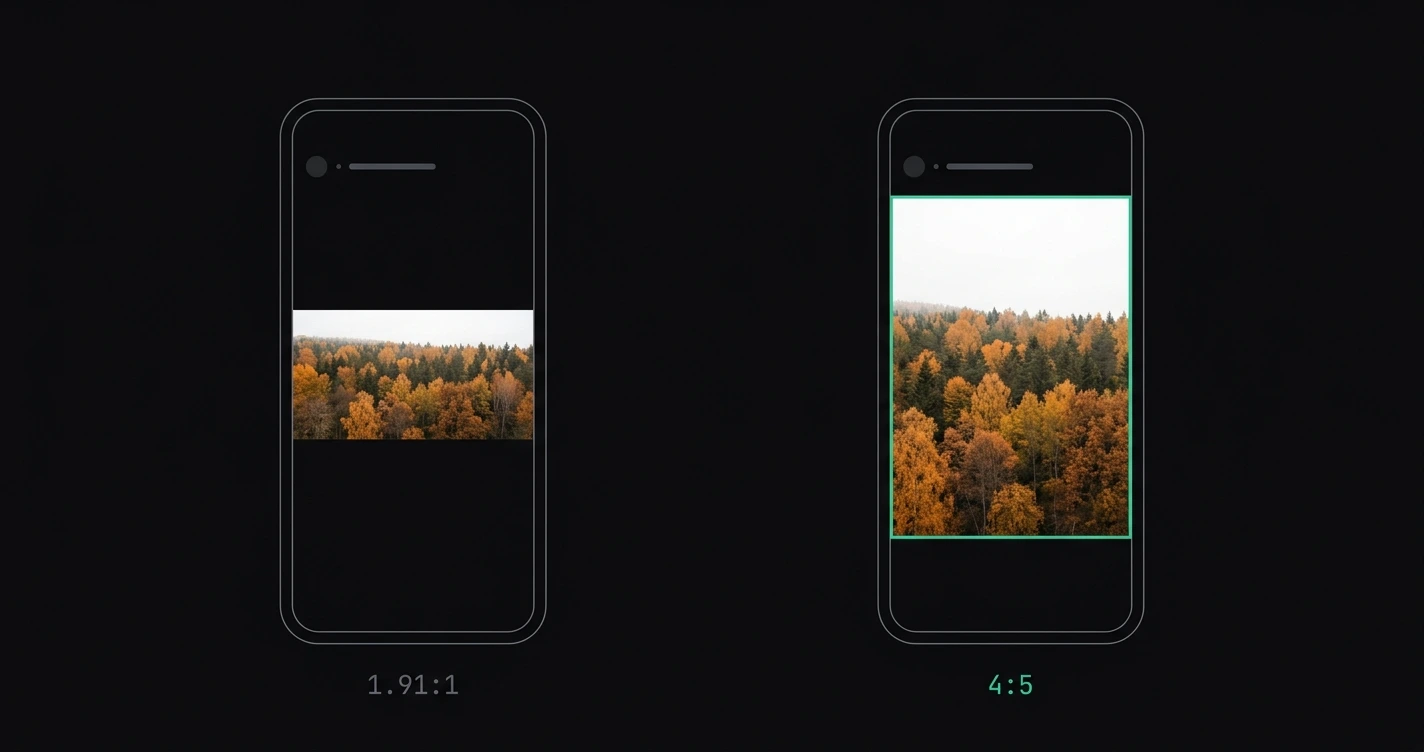
The best aspect ratio for Instagram posts in 2026 is 4:5. Here's why it outperforms 1:1 and landscape, when each format makes sense, and how to prepare your photos without cropping.

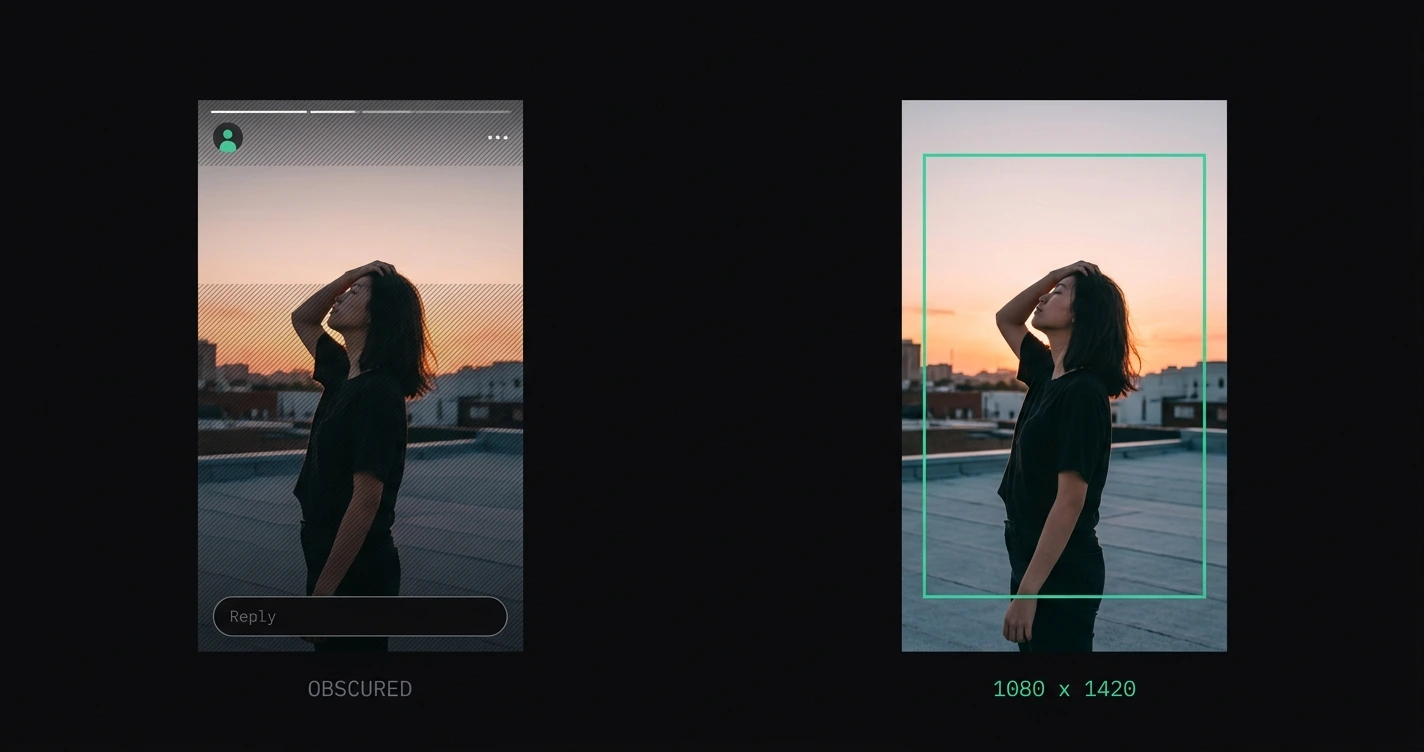
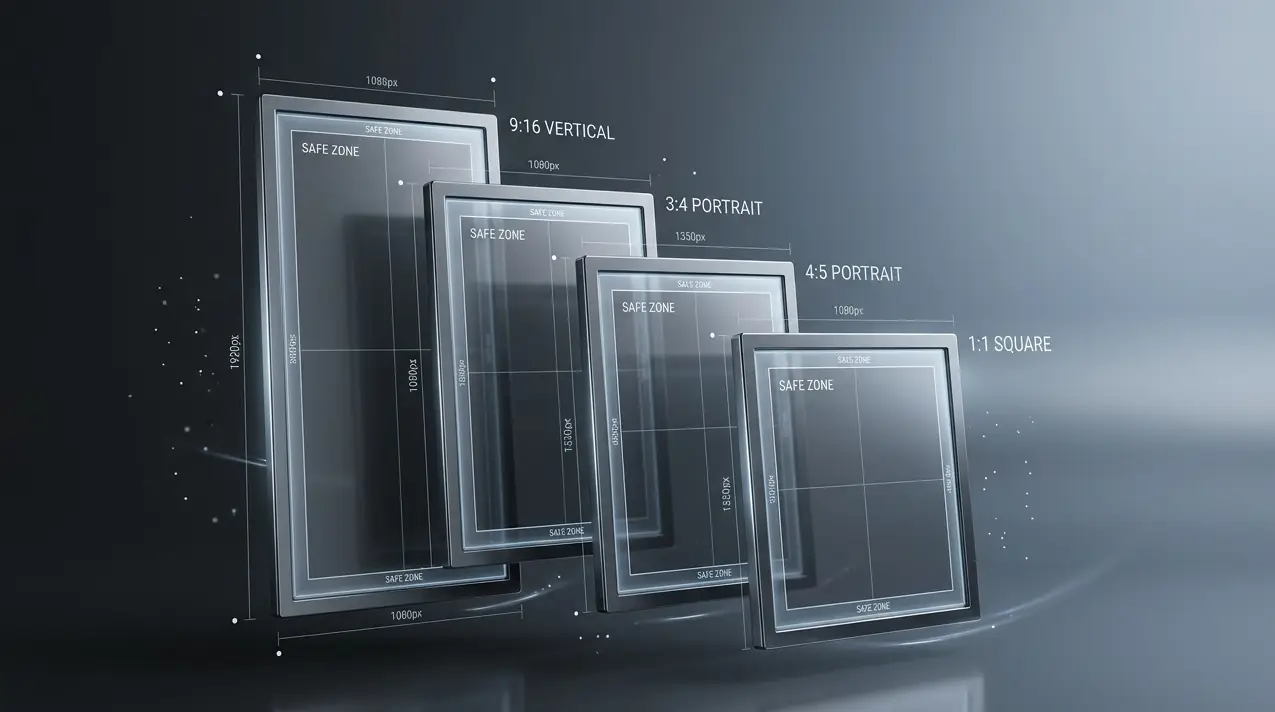
Instagram Story dimensions in 2026: 1080 × 1920 px at 9:16. Full safe zone measurements for text, faces, and UI overlap — plus file size limits and format requirements.

How to cut one photograph into carousel slides that read as a single continuous pan: which slide size to use, how to slice without cropping, upload order, and what makes a split look broken.

Turn a panorama into a swipeable Instagram carousel: which ratios fit two or three slides, how much padding each one leaves, and how to split a wide shot without cropping it.

The best free tools to resize images for Instagram without uploading your photos: in-browser tools that process locally, with no account required and no server-side compression.

Four ways to post a wide photo without losing part of the frame: padding, Instagram's built-in resize button, splitting it across a carousel, and AI background extension. Which to use, and when.

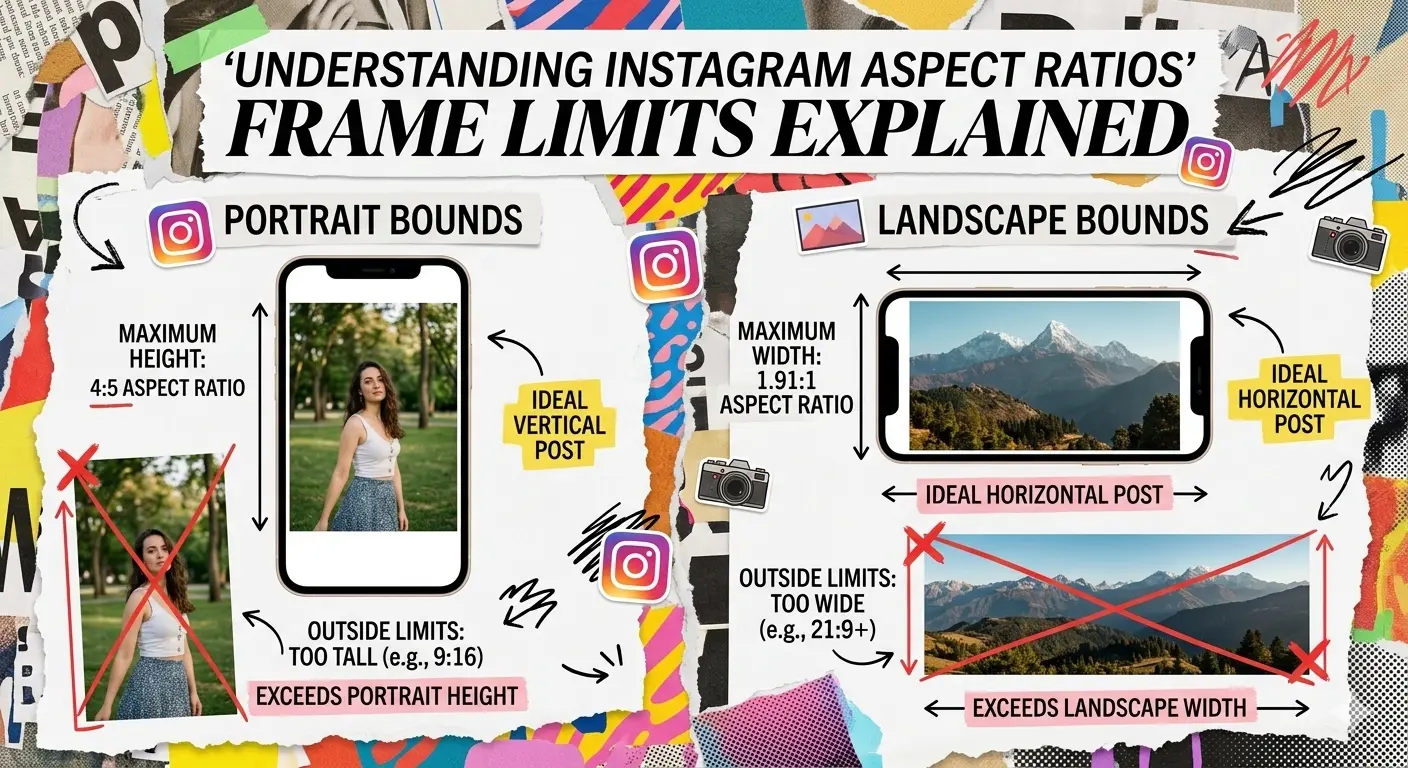
Why does Instagram crop photos? Instagram enforces a 4:5 portrait max and 1.91:1 landscape max on all feed posts. Here's exactly which photos are affected and how to prevent it.

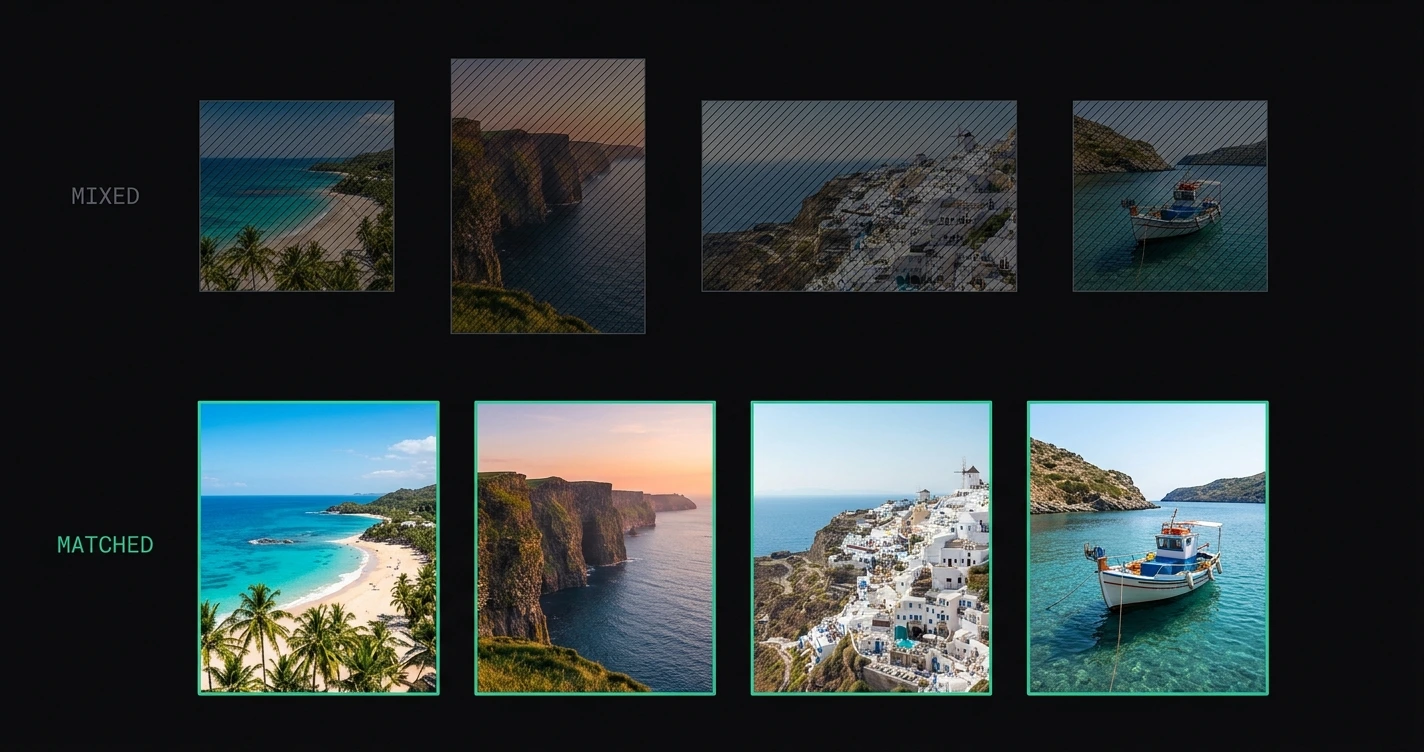
What Instagram allows in a carousel, why mixed-shape slides display inconsistently, and how to prepare a full set at one consistent format without cropping any of them.

Every Instagram image size for 2026 in one cheat sheet. Feed posts, Stories, Reels, carousels, and profile photo dimensions with aspect ratios, file limits, and engagement data.