 12123
12123
Simple tool.
Does one thing well.
I built AspectFit to do one job: fit your photos into social media sizes without cropping. Splits, watermarks, borders and batch exports are all in service of that. Everything runs in your browser, so your photos never leave your device.
Keep Your Full Photo
Your entire image stays intact. AspectFit pads around it to fill the frame instead of cutting into it, and a slider scales the photo inside that frame until the spacing looks right.
Split Into a Carousel
Turn one wide photo into 2 or 3 swipeable slides. Drag and scale it across the full canvas to pick what lands where, and the background, blur and border run straight through the seams so the set reads as one continuous image. Downloads as a ZIP, already named in carousel order.
Watermark Studio
Start from a template or drop in your own logo. Position it, rotate it, tile it across the photo to deter reposts — then save up to 10 presets so your brand is one click away next time.
Every Size, Four Platforms
Posts, stories, reels and link cards for Instagram, Reddit, Facebook and X. Flip any preset to landscape with one tap, or keep your photo's original ratio.
Backgrounds & Borders
Fill the padding with a solid color, a blurred version of your photo, or leave it transparent. Add a border on top — solid, dashed or dotted, any width, color and corner radius.
Batch Processing
Drop a bunch of photos at once, apply the same settings to all of them, and download everything as a ZIP. HEIC, AVIF, WEBP and TIFF go straight in — no converting first.
Export at Full Resolution
Exports render from your source image, not the preview. Scale down to 75, 50 or 25% for smaller files, or pick Instagram-optimized to land on the 1080px width Instagram publishes at.
Your Photos Stay Private
Nothing gets uploaded anywhere. All the processing happens right here in your browser. I don't even have a server to store them on.
No account, no sign-up, no upload limits. Every change previews live as you make it.
From the blog
Guides on Instagram image sizing, aspect ratios, and getting your photos posted without the crop.
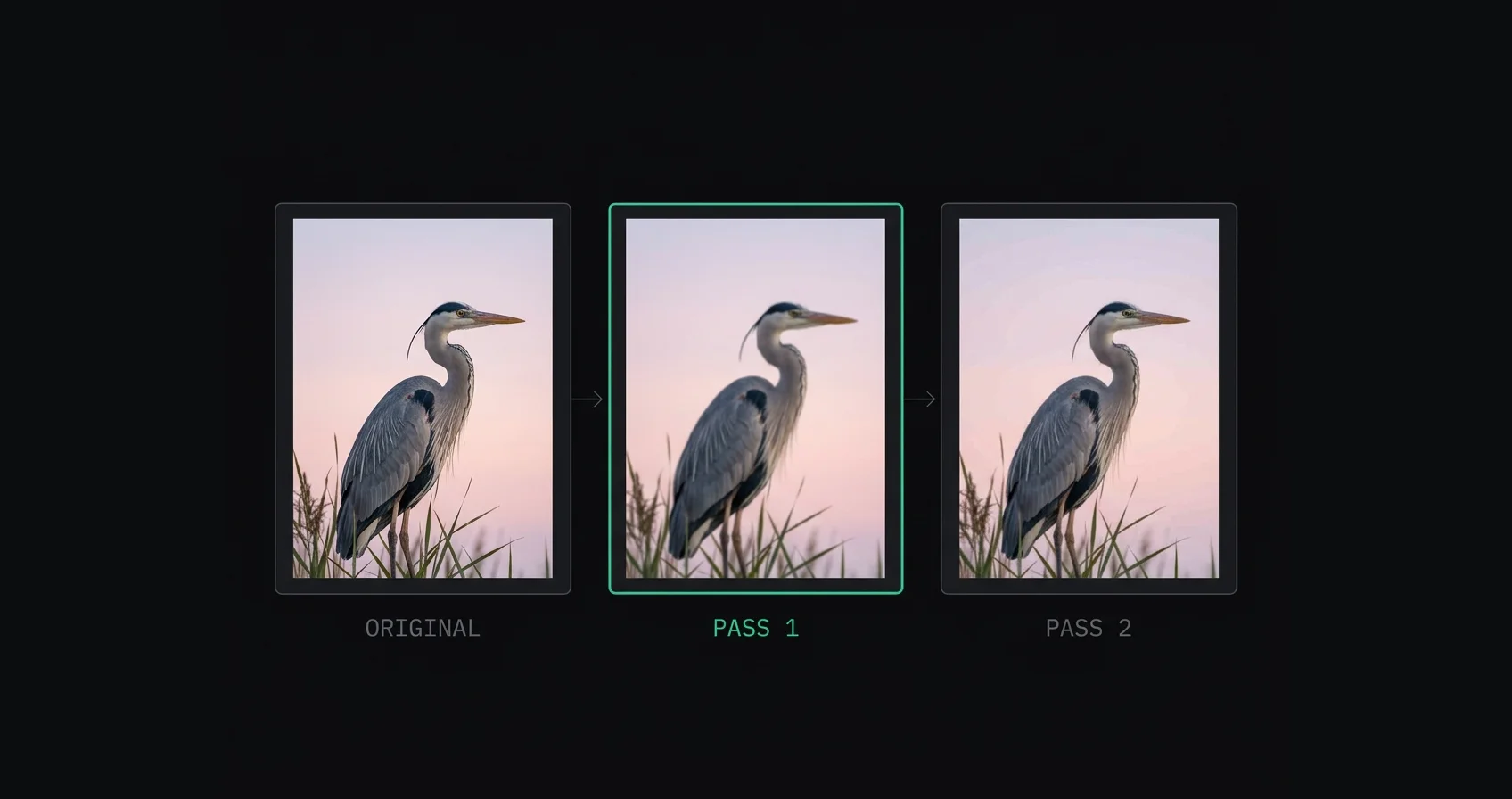
Why Instagram Ruins Your Photo Quality (And How to Fix It)
Why does Instagram ruin photo quality? It downscales oversized uploads before recompressing them, which is two lossy passes. Here's what happens to your file and which parts you control.
Read post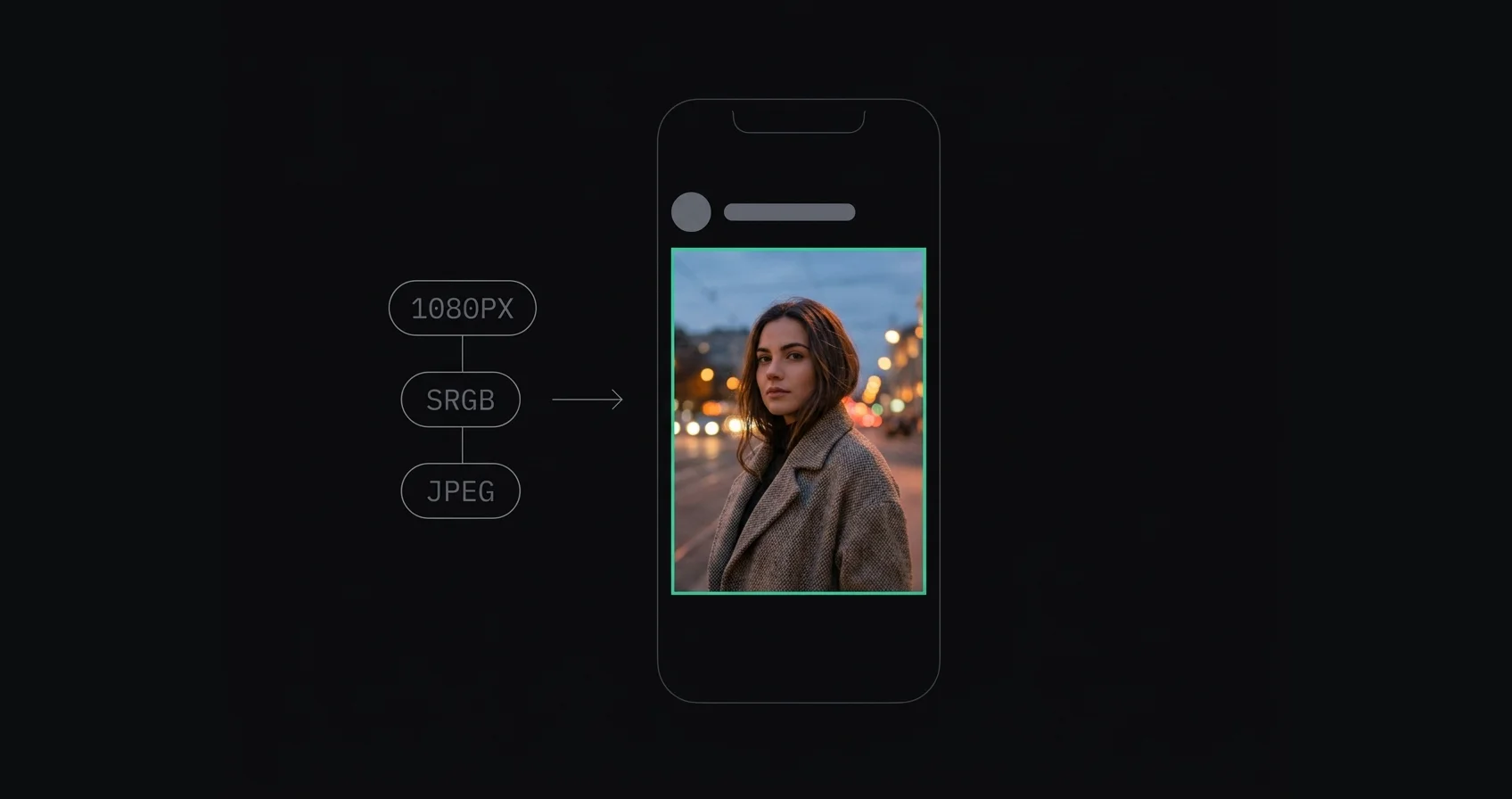
How to Upload the Highest Quality Photos to Instagram (2026)
How to upload high quality photos to Instagram: resize to 1080px wide, convert to sRGB, export as JPEG, and sharpen last. The order matters more than any single setting.
Read post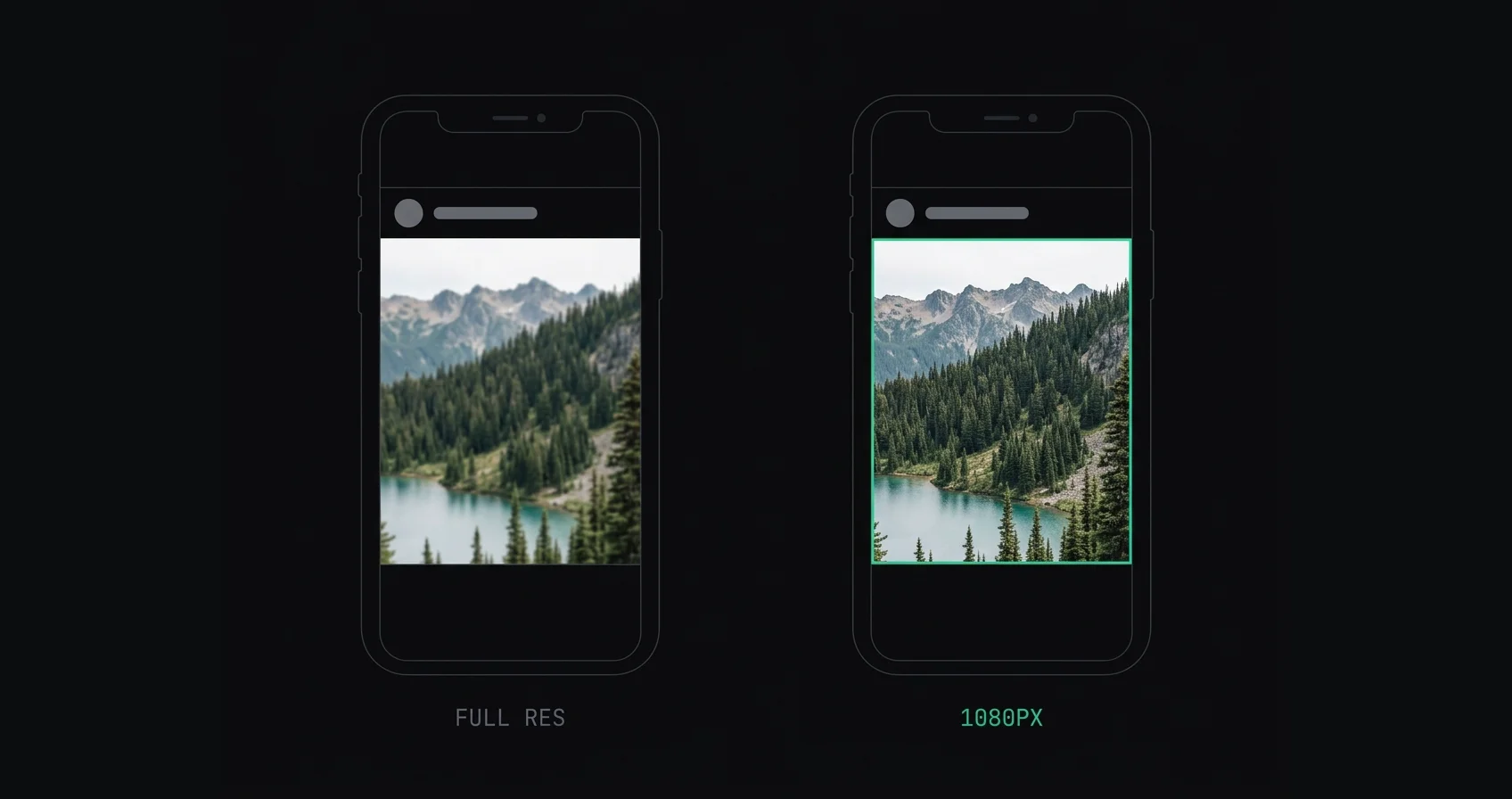
Should You Upload 1080px or Full Resolution to Instagram?
Should you upload 1080px or full resolution to Instagram? Instagram publishes at 1080px wide, so bigger files get downscaled then recompressed. Here's the case for each and when the answer changes.
Read post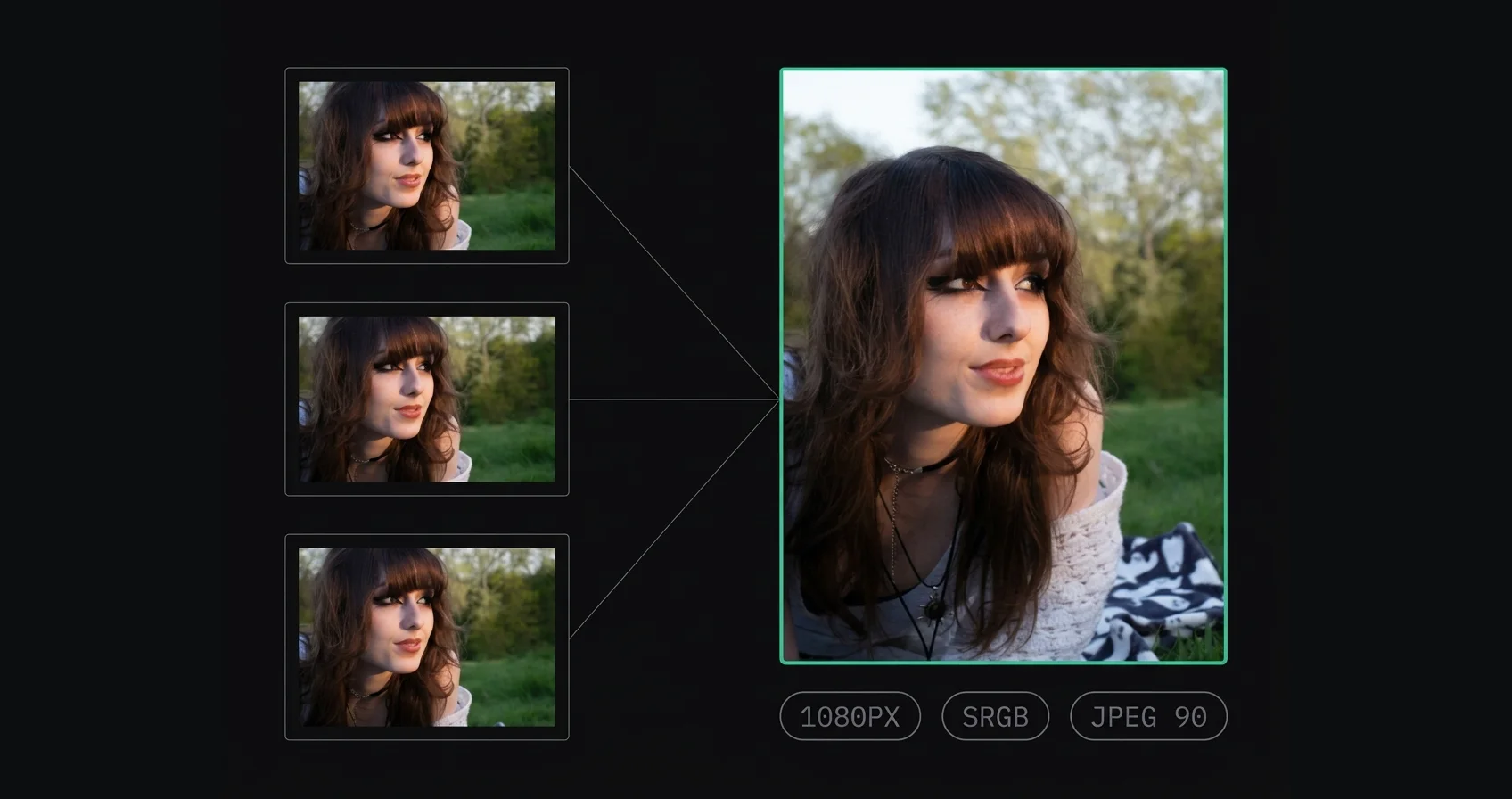
Best Instagram Export Settings (Lightroom, Photoshop, Phone)
Exact Instagram export settings for Lightroom Classic, Lightroom mobile, Photoshop, Capture One and phone apps. 1080px wide, sRGB, JPEG 85–95%, sharpened after resizing.
Read post People who use it,
in their own words.
Notes left in AspectFit's feedback form.
“The best aspect ratio site! I do photography and I use this tool all the time.”
“All I wanted was a fixed aspect ratio with borders, and it does it in moments. I really appreciate you for this.”
“It’s perfect! The layout is nice and the crop choices are fantastic.”
“Very simple to use. Thank you for your great work.”
“Love it! So simple and easy to use.”
“Love that you added the split option!”
“It was so good, thank you so much for your service 🥰”
Three steps.
That's it.
No accounts, no installs, no learning curve. Just drop your photos in and get them back sized for wherever you're posting.
A cursor drags a stack of three photos onto a drop zone, and they land as three thumbnails ready to edit together. 01Drop your photos
A cursor picks a 4:5 size, a black background and a white border; the preview and all three thumbnails update together, each photo kept whole. 02Pick your settings
A cursor clicks Download all and the three finished images drop into a single ZIP file, aspectfit_images.zip. 03Download
Free to use. No account needed, and your photos never leave your device.
Common
questions.
If something's not covered here, just shoot me an email.
A mobile app is
in the works.
I'm working on a native mobile version of AspectFit. Drop your email and I'll let you know when it's ready.
- Early access to the mobile app.
- New features before they go public.
- An email only when there's real news. No spam.